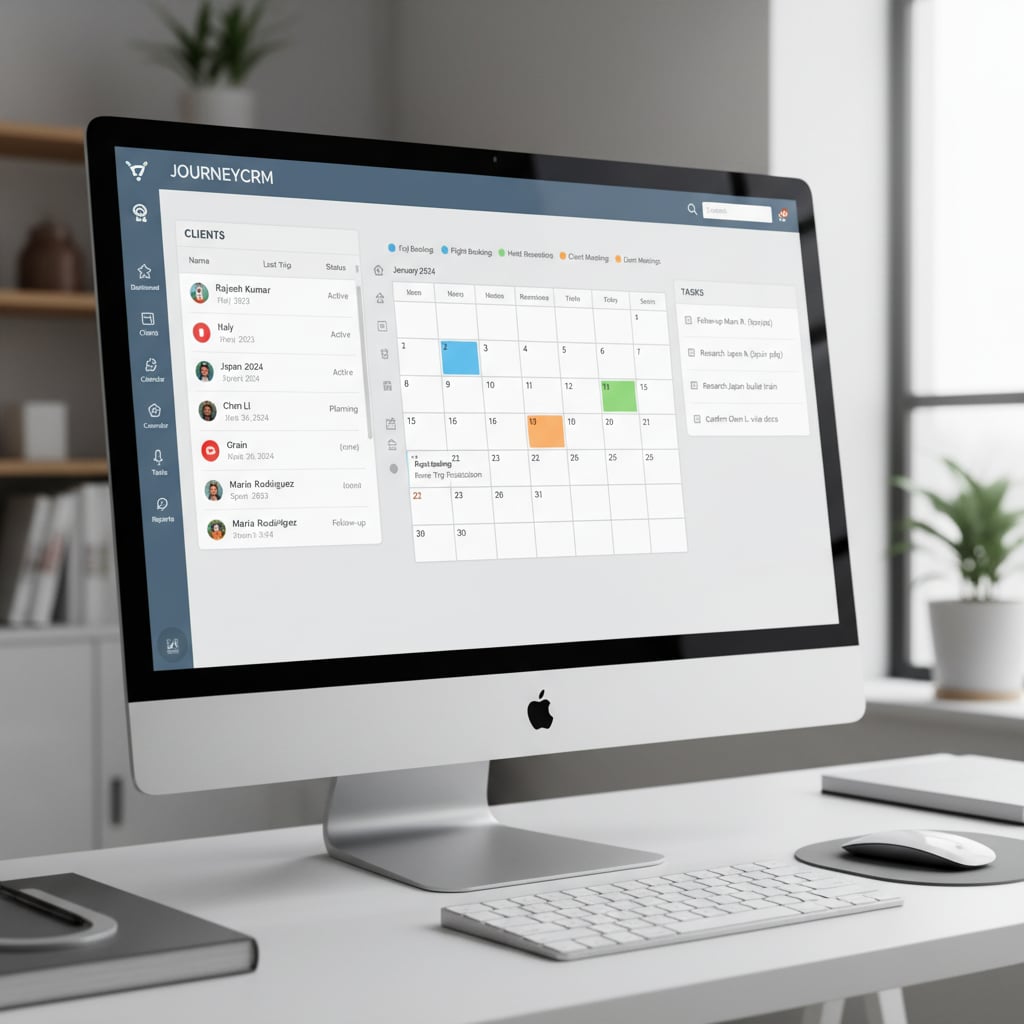
A travel CRM (Customer Relationship Management) system is the difference between a chaotic operation drowning in spreadsheets and a streamlined agency that scales profitably. The right CRM automates repetitive tasks, improves client experience, and provides the data needed to make smart business decisions.
If you are comparing systems because you also buy travel wholesale, it is worth knowing that DMC Quote's travel agency management software combines the CRM side — leads, follow-ups, client records — with live net-rate booking for hotels, transfers and tours, so quotes are built from real inventory rather than re-keyed from a supplier portal.
Best Travel CRM Software Compared: 6 Options at a Glance
The six systems below are the ones small and mid-sized agencies most often shortlist. Three are built for travel; three are general CRMs that agencies adapt. Pricing changes often, so check each vendor’s current plans; the “best for” column is our verdict from the reviews that follow.
| CRM | Best for | Type | Typical agency fit |
|---|---|---|---|
| TravelJoy | All-round choice for small agencies | Travel-specific | Solo advisors and small teams |
| Travefy | Itinerary creation and client-facing proposals | Travel-specific | Solo advisors and small teams |
| ClientBase | Established agencies with several advisors | Travel-specific | 5–20 advisors |
| Daylite | Mac-native workflows | General CRM | Solo and small teams on Apple |
| Zoho CRM | Budget-conscious agencies | General CRM | Any size; needs configuration |
| Salesforce | Enterprise-scale operations | General CRM | Large agencies with admin resources |
A CRM tracks the client; it does not supply the trip. Most agencies pair one of these with a B2B travel portal for net-rate hotels, transfers and tickets.
This guide reviews the best CRM options for small travel agencies, with honest pros/cons and pricing to help you choose wisely.
Why Travel Agents Need a CRM
Generic CRMs (Salesforce, HubSpot) don't understand travel-specific needs. Travel CRMs are built for:
- Client management: Track preferences, past trips, special occasions, dietary restrictions
- Itinerary building: Create professional proposals and trip documents
- Task automation: Automated reminders, follow-ups, and workflows
- Booking management: Centralize supplier confirmations and payments
- Email campaigns: Segment clients and send targeted communications
- Reporting: Revenue tracking, commission reconciliation, pipeline visibility
- Collaboration: Team access and role-based permissions
The 6 Best Travel CRM Systems in Detail
1. Travel Joy - Best All-Around for Small Agencies
Pricing: $39-$149/month per user
Best for: Independent advisors and small agencies (1-10 agents)
Key Features:
- Client database with unlimited contacts
- Built-in itinerary builder with drag-and-drop
- Automated email sequences
- Task management and reminders
- Payment collection (ACH and credit card)
- Client portal for itinerary access
- Mobile app
- Pipeline management for sales tracking
Pros:
- Intuitive interface (minimal learning curve)
- Excellent customer support
- Built specifically for travel advisors
- Professional-looking itineraries
- Integrated payment processing
Cons:
- Limited advanced reporting
- No booking engine integration
- Can get pricey for larger teams
Verdict: Best overall value for independent advisors who want an all-in-one solution without complexity.
2. Travefy - Best for Itinerary Creation
Pricing: $20-$100/month per user
Best for: Agencies prioritizing beautiful trip proposals
Key Features:
- Stunning itinerary templates
- Drag-and-drop trip builder
- Client collaboration features
- CRM for contact management
- Email marketing tools
- Mobile app for on-the-go access
- Integration with Google Trips import
Pros:
- Gorgeous, magazine-quality itineraries
- Easy to use immediately
- Clients can comment and collaborate on trips
- Good pricing for solo advisors
- Templates save tons of time
Cons:
- CRM features less robust than competitors
- Limited automation capabilities
- Reporting is basic
- No integrated payments
Verdict: Choose if your priority is impressive client-facing proposals over backend operations.
3. Client Base - Most Comprehensive for Established Agencies
Pricing: $49-$99/month per user (volume discounts available)
Best for: Established agencies with 5+ advisors
Key Features:
- Full CRM with advanced contact management
- Accounting integration (QuickBooks)
- Commission tracking and reconciliation
- Document storage and organization
- Team collaboration tools
- Advanced reporting and analytics
- Email marketing
- Travel insurance integration
Pros:
- Industry leader with 25+ years in travel
- Extremely comprehensive feature set
- Excellent commission tracking
- Strong reporting for business insights
- Dedicated account management
Cons:
- Steeper learning curve
- Interface feels dated
- Higher cost for full features
- Overkill for solo advisors
Verdict: Best for agencies serious about growth and needing robust financial tracking.
4. Daylite - Best Mac-Native Option
Pricing: $15-$35/month per user
Best for: Mac users who want deep Apple ecosystem integration
Key Features:
- Native macOS/iOS apps
- Deep Apple Mail, Calendar, Contacts integration
- Project management features
- Pipeline tracking
- Task automation
- Team collaboration
Pros:
- Seamless Apple ecosystem experience
- Beautiful, native interface
- Affordable pricing
- Excellent sync across devices
- Good automation options
Cons:
- Mac/iOS only (no Windows/Android)
- Not travel-specific (requires customization)
- Limited reporting
- No built-in itinerary builder
Verdict: Best for Mac-loyal agencies willing to customize for travel needs.
5. Zoho CRM - Best Budget Option
Pricing: Free-$52/month per user
Best for: Budget-conscious startups
Key Features:
- Contact and lead management
- Email integration and automation
- Sales pipeline tracking
- Workflow automation
- Custom fields and modules
- Mobile app
- Reporting and analytics
Pros:
- Robust free plan (up to 3 users)
- Highly customizable
- Strong automation features
- Excellent value for price
- Integrates with 500+ apps
Cons:
- Not travel-specific (requires setup)
- Overwhelming number of features
- Customer support is hit-or-miss
- Setup takes significant time
Verdict: Best for tech-savvy agencies on tight budgets willing to invest setup time.
6. Salesforce - Enterprise-Level Powerhouse
Pricing: $25-$300+/month per user
Best for: Large agencies or consortiums
Key Features:
- Unlimited customization potential
- Advanced automation (Einstein AI)
- Comprehensive reporting and dashboards
- Multi-user collaboration at scale
- Massive integration marketplace
- Mobile apps
Pros:
- Most powerful CRM available
- Scales to any size
- Industry-leading security
- Continuous innovation
Cons:
- Expensive
- Requires dedicated admin/developer
- Massive overkill for small agencies
- Complex implementation
Verdict: Only consider if you're a large agency (50+ advisors) with dedicated IT resources.
Essential CRM Features for Travel Agencies
Must-Have Features
- Contact management: Unlimited contacts, custom fields, tagging
- Client profiles: Travel preferences, past trips, special dates
- Task automation: Reminders for follow-ups, payment deadlines, trip milestones
- Email integration: Sync with Gmail/Outlook, template library
- Document storage: Centralized location for contracts, confirmations, passports
- Mobile access: Manage business from anywhere
Nice-to-Have Features
- Itinerary builder
- Payment processing
- Accounting integration
- Website integration
- Travel insurance booking
- Commission tracking
Choosing the Right CRM: Decision Framework
Ask These Questions:
1. What's my primary pain point?
- Disorganized client info → Any CRM helps
- Time-consuming proposals → Travefy or Travel Joy
- Missing follow-ups → CRM with strong automation
- Financial tracking → Client Base
2. What's my budget?
- $0: Zoho free plan or spreadsheets (not recommended)
- $20-40/month: Travefy, Travel Joy starter
- $50-100/month: Client Base, Travel Joy premium
- $100+/month: Enterprise solutions
3. How tech-savvy am I?
- Beginner: Travel Joy (easiest)
- Intermediate: Travefy, Daylite
- Advanced: Zoho, Client Base
- Expert: Salesforce
4. How many users?
- Solo advisor: Travel Joy, Travefy, Daylite
- 2-5 users: Any option works
- 5-20 users: Client Base, Salesforce
- 20+ users: Salesforce, custom enterprise
Implementation Best Practices
Phase 1: Setup (Week 1-2)
- Import existing contacts (CSV from spreadsheet/old system)
- Set up custom fields (destination preferences, travel style, budget)
- Create email templates for common communications
- Build workflows for repetitive tasks
- Integrate email and calendar
Phase 2: Migration (Week 2-4)
- Move active client files into CRM
- Upload important documents
- Train team members (if applicable)
- Start using for new inquiries only
Phase 3: Full Adoption (Month 2)
- Migrate all active clients
- Set up reporting dashboards
- Build automation sequences
- Retire old systems
Common CRM Mistakes to Avoid
- Choosing based on features, not needs: More features ≠ better for you
- Not using it consistently: CRM only works if you actually use it
- Skipping training: Invest 2-4 hours learning your CRM properly
- Over-customizing too early: Use defaults first, customize later
- Not cleaning data: Garbage in = garbage out
- Forgetting mobile: Test mobile app before committing
CRM ROI: What to Expect
Agencies using CRMs report:
- 40% time savings on administrative tasks
- 25% increase in repeat bookings (better follow-up)
- 30% more referrals (automated request sequences)
- 15-20% revenue growth year-over-year
- 60% reduction in missed tasks/deadlines
Example ROI calculation:
Cost: $50/month CRM ($600/year)
Time saved: 5 hours/week × $50/hour value = $250/week = $13,000/year
Additional bookings from better follow-up: 4 bookings × $500 commission = $2,000
Total ROI: $14,400 benefit - $600 cost = $13,800 net gain (2,300% ROI)
Integration Ecosystem
Your CRM should play nice with other tools:
- Email: Gmail, Outlook integration
- Calendar: Google Calendar, Apple Calendar sync
- Accounting: QuickBooks, Xero
- Booking: DMC Quote for B2B booking, supplier APIs
- Marketing: Mailchimp, ConvertKit
- Payments: Stripe, PayPal, Square
Case Study: $75K Revenue Increase with CRM
Independent advisor Sarah implemented Travel Joy:
Before CRM:
- Mixed email, notes app, spreadsheets
- Forgot to follow up with 30% of inquiries
- Spent 15 hours/week on admin
- No systematic client nurturing
- Annual revenue: $180,000
After CRM (12 months):
- All clients and leads in one system
- Automated follow-up sequences (99% follow-up rate)
- Admin time reduced to 7 hours/week
- Quarterly client touchpoint automation
- Annual revenue: $255,000 (+41.6%)
Attributed benefits:
- 15 additional bookings from improved inquiry follow-up
- $32,000 from repeat clients (automated nurture campaigns)
- 8 extra hours/week to take on more clients
- Investment: $588/year, Return: $75,000
Final Recommendations
Solo advisor, budget-conscious: Start with Travefy or Travel Joy at lowest tier
Solo advisor, growth-focused: Travel Joy Professional plan
Small team (2-5 advisors): Travel Joy or Client Base
Established agency (5-20 advisors): Client Base
Mac loyalist: Daylite + Travefy combo
Large agency (20+ advisors): Client Base or Salesforce
Conclusion
The best CRM is the one you'll actually use. Start with one that matches your current needs and budget, not the one with the most features. You can always migrate later as you grow.
Key takeaway: Any CRM is better than no CRM. Even the simplest system will improve your operations, client satisfaction, and revenue. Pick one, commit to it for 90 days, and watch your business transform.
Ready to streamline your entire workflow? Try DMC Quote for efficient B2B travel booking alongside your CRM.